

Web Clipper for NotebookLMcapture knowledge everywhere
Save any web content to NotebookLM with one click — build your research library and deepen understanding, right in your browser.
 Add to Chrome
100% Free to use.
Save any web content to NotebookLM with one click — build your research library and deepen understanding, right in your browser.
Add to Chrome100% Free to use.
Web Clipper works across all your favorite websites and research sources. No more manual copy-pasting or tab-juggling — take your research collection with you wherever you browse.
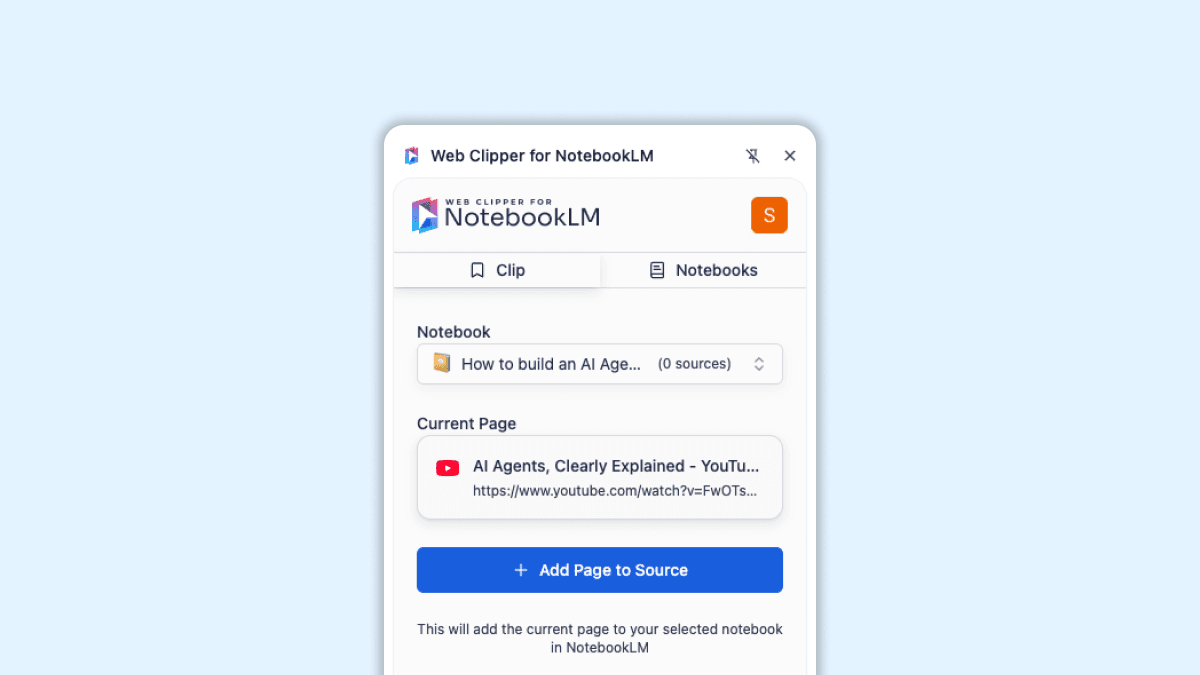
Pull web pages, PDFs, images and research into NotebookLM instantly. No copy paste, no juggling tabs, just one click and it is in the notebook you want.
Try it out →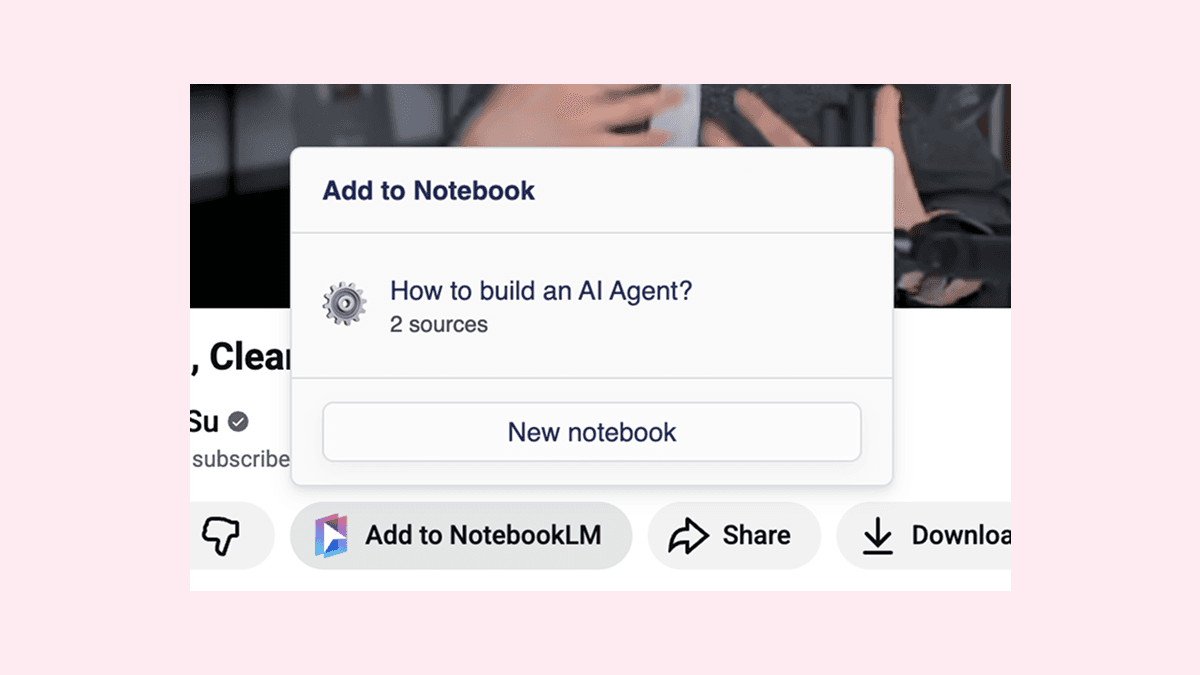
A native looking button appears under every video. Capture lectures, tutorials or interviews straight into a notebook without interrupting your watch flow.
Try it out →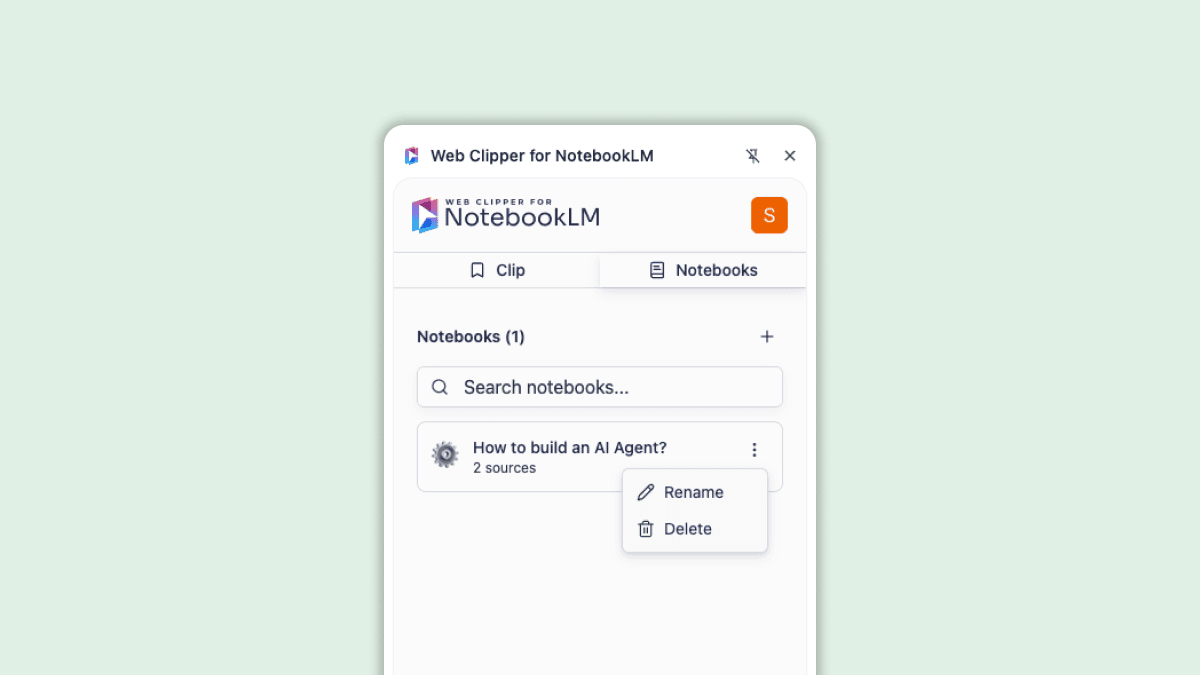
Create new notebooks on the spot, clean up old ones and rearrange sources without breaking your research rhythm. Everything happens inside the side panel.
Try it out →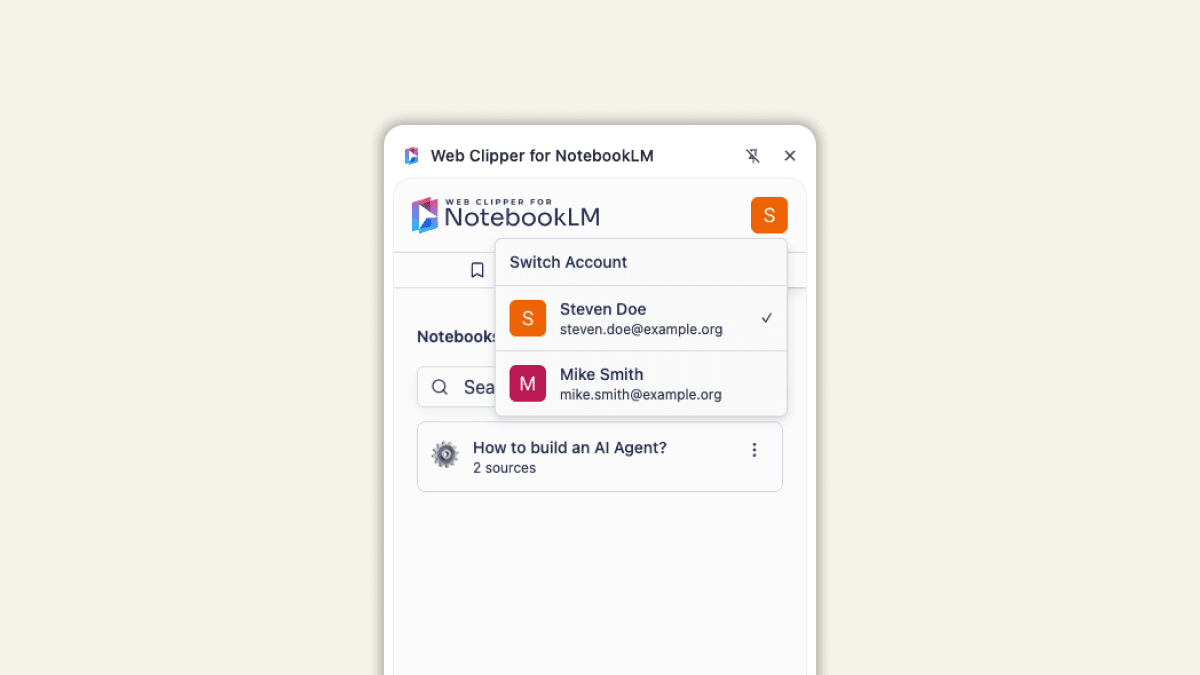
Jump between your Google accounts in seconds. Review and update the notebooks tied to each account without logging out or resetting anything.
Try it out →Add to Chrome100% Free to use.